
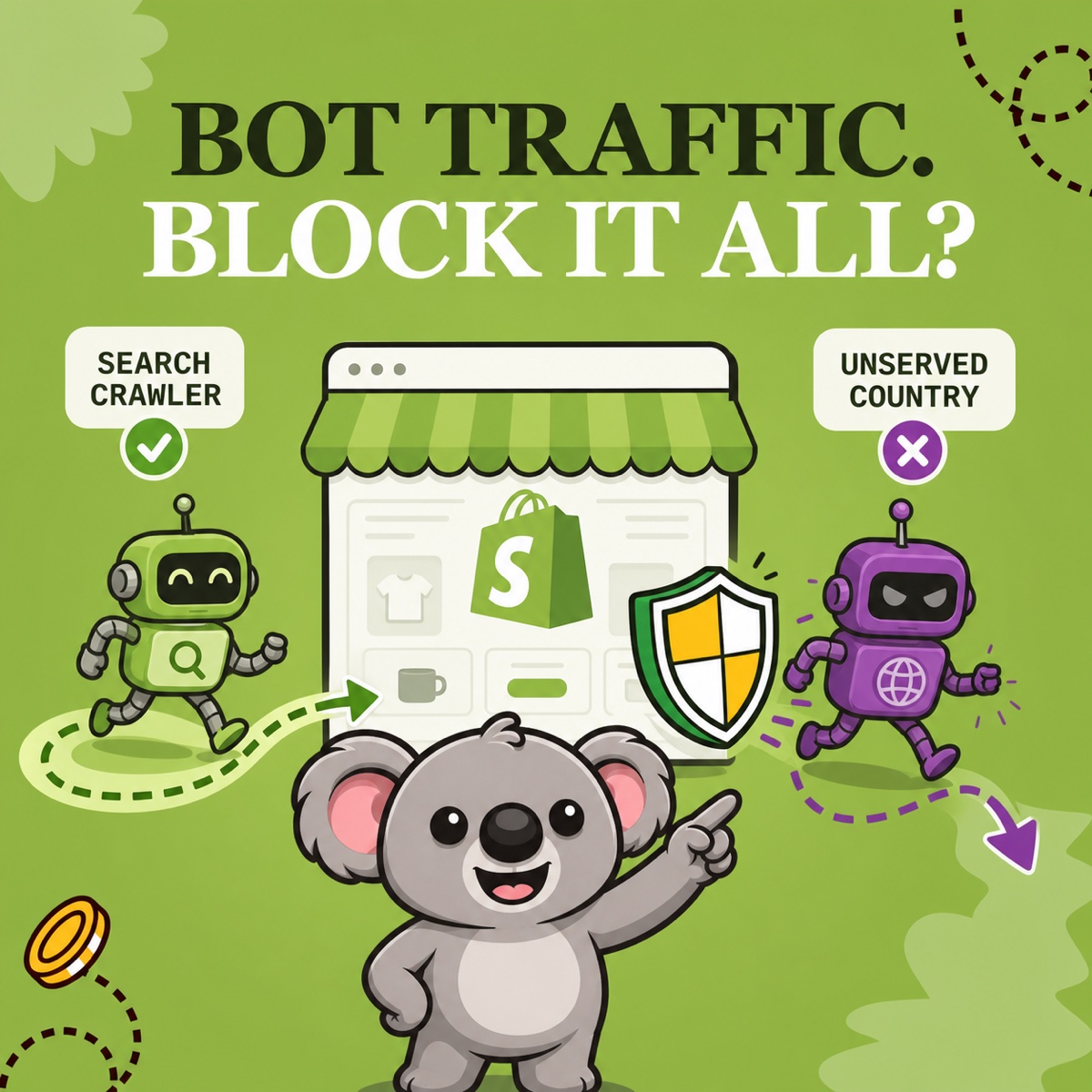
Seeing “bot” in a Shopify report can make block it feel like the obvious response. Meanwhile, another traffic spike takes time away from fulfilling orders, and you wonder whether your campaigns are failing. Blocking every bot creates a different cost if useful crawlers can no longer help shoppers discover your products.
Keep beneficial automation available and restrict unwanted access where the evidence supports it. When recurring bot-heavy traffic comes from a country you do not serve, ShieldLeaf lets you turn that finding into a country rule you can preview and test. You get a practical response without treating every crawler as a threat.
Which Shopify bots help your store?
Shopify’s bot types and intents guidance distinguishes beneficial, undesirable and harmful automation. The middle category matters because unfamiliar activity is not automatically an attack.
| Intent | What it means for your store |
|---|---|
| Beneficial | Search crawlers help products get discovered. Accessibility tools and authorized integrations support customers and operations. Preserve useful access. |
| Undesirable | Unknown scrapers or unauthorized load tests can consume resources without helping your business. Investigate the pattern before choosing a restriction. |
| Harmful | Fraudulent orders, data theft and DDoS activity need prompt security or fraud attention. A country rule addresses regional access, not every kind of abuse. |
Googlebot is a useful example, but a familiar bot name alone proves little. Google warns that its user agent can be spoofed and provides crawler verification guidance. Judge behavior and business relevance rather than trusting a label.
A cleaner report does not stop unwanted access
Shopify’s native bot filter helps measure human performance. Its weakness as an access tool is simple. Excluding a session from a report does not prevent the visit. Deleting rows from an export has the same limitation. You can spend every week cleaning figures while the unwanted regional pattern continues.
Since the September 2026 update, Shopify excludes identified bots from session-related reports by default. In supported reports, adjust Human or bot session to include them when investigating. Compare the same dates by country, referrer and landing page. See Shopify’s filtering guidance for the current controls.
Check campaigns, integrations and shared links before deciding that a spike is unwanted. Shopify’s bot activity guide explains why unusual sessions are clues rather than proof. That investigation should lead to a specific access decision, not another spreadsheet to maintain.
Turn a country pattern into a tested ShieldLeaf rule
Suppose your store sells only in Italy. You repeatedly see bot-labeled sessions from Japan, with no matching campaign or direct orders. A Japanese distributor serves that market, so those visitors have a useful destination outside your Italian storefront.
ShieldLeaf makes that decision manageable through the app’s controls.
- Open Protection. Under Blocked countries, add Japan and check that Selected countries contains only Japan. Avoid selecting an entire region for a single-country problem.
- Under Blocked visitor experience, choose redirect mode and enter the distributor’s address in Redirect URL. This gives legitimate Japanese visitors somewhere useful to go too.
- Preview the experience privately. Check the destination and country selection before enabling protection.
- Enable the Shopify app embed and turn protection on. Test with a connection detected in Japan and confirm that it reaches the distributor without looping. Then use an Italian connection to check normal browsing and the path to checkout.
If there is no suitable destination, choose Show a blocked-access page and explain your delivery area in Blocked message. The visitor gets a clear explanation rather than an unexplained failure.
Normal setup needs no theme-code edits. You can change the destination or country selection in the app instead of maintaining a custom theme script.
Keep the rule focused and check the result
A country rule applies to all visitors detected there, including people and useful automation. It is not a good-bot allowlist. Keep the selection narrow, check important integrations and monitor search indexing after activation. ShieldLeaf handles the regional restriction while useful access elsewhere stays available.
Record the activation date and repeat the allowed and restricted connection checks after changes. Pro’s activity logs show recorded blocked visits. Earlier sessions remain in Shopify, and blocked visits can still appear in analytics, so judge the setup by its tested access behavior rather than expecting a blank bot report.
Why this approach offers better value
ShieldLeaf Free includes one active country, blocked-page or redirect mode and private preview. It covers this example at no subscription cost. Pro costs US$5.90 per month for unlimited countries, groups, presets and blocked-visit logs.
Blocky’s listing limits its free plan to development stores. On monthly billing, Basic costs US$9.99 and country redirects require Advanced at US$12.99. Paying for that higher tier is unnecessary for this focused redirect workflow. ShieldLeaf gives a live store a free starting point and a lower monthly expansion cost.