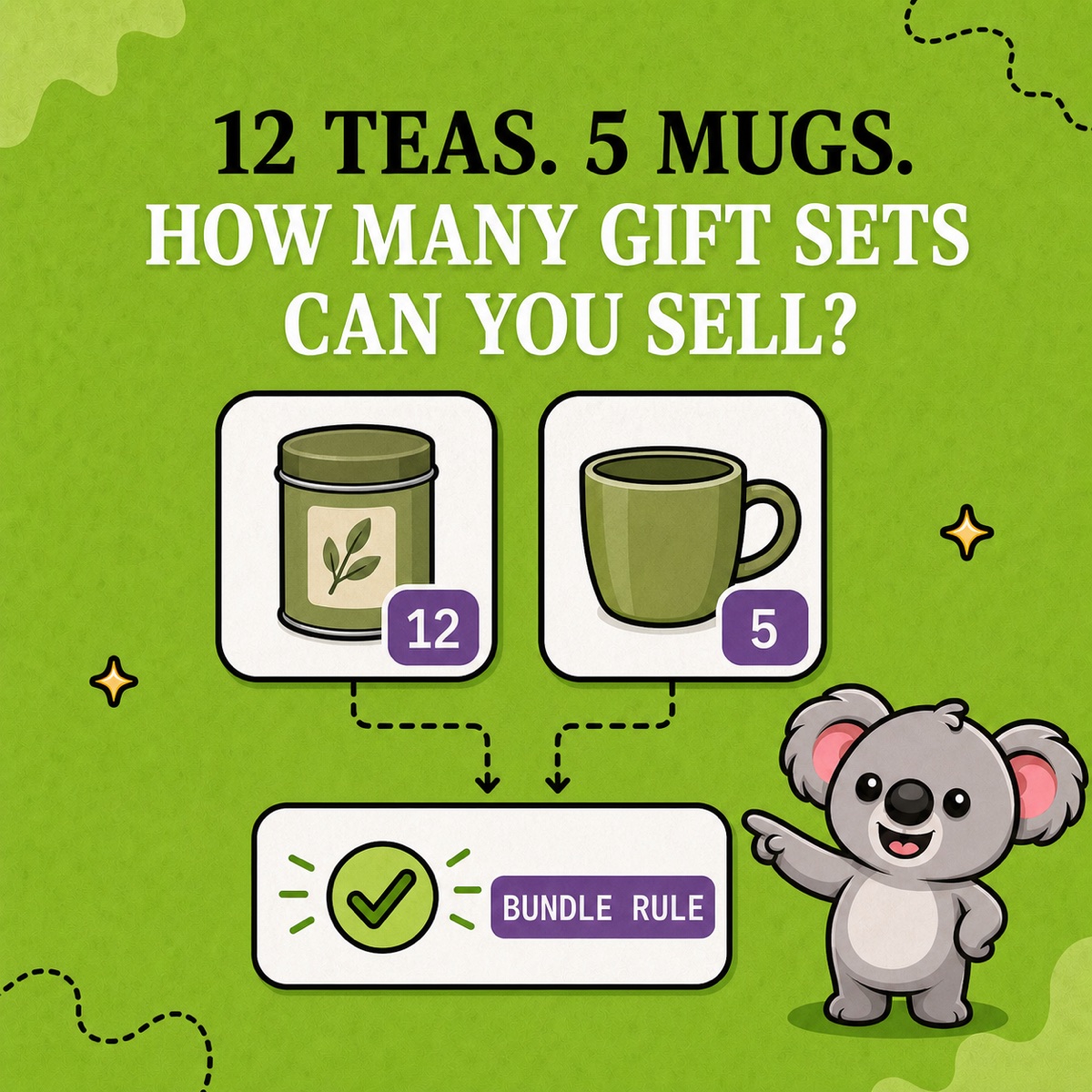

Your gift set looks ready to sell, but the next order leaves your team short of candles. Now someone has to arrange a replacement, delay dispatch, or refund a customer who expected a complete gift. A bundle quantity that looks plausible can still promise stock you cannot pack.
Shopify calculates bundle availability from the component that can supply the fewest complete sets. Understanding that number is the first check. For catalogues built around parent and component SKUs, LedgerLeaf Pro gives the stock relationship a working rule, so keeping the parent aligned does not depend on someone remembering another manual update.
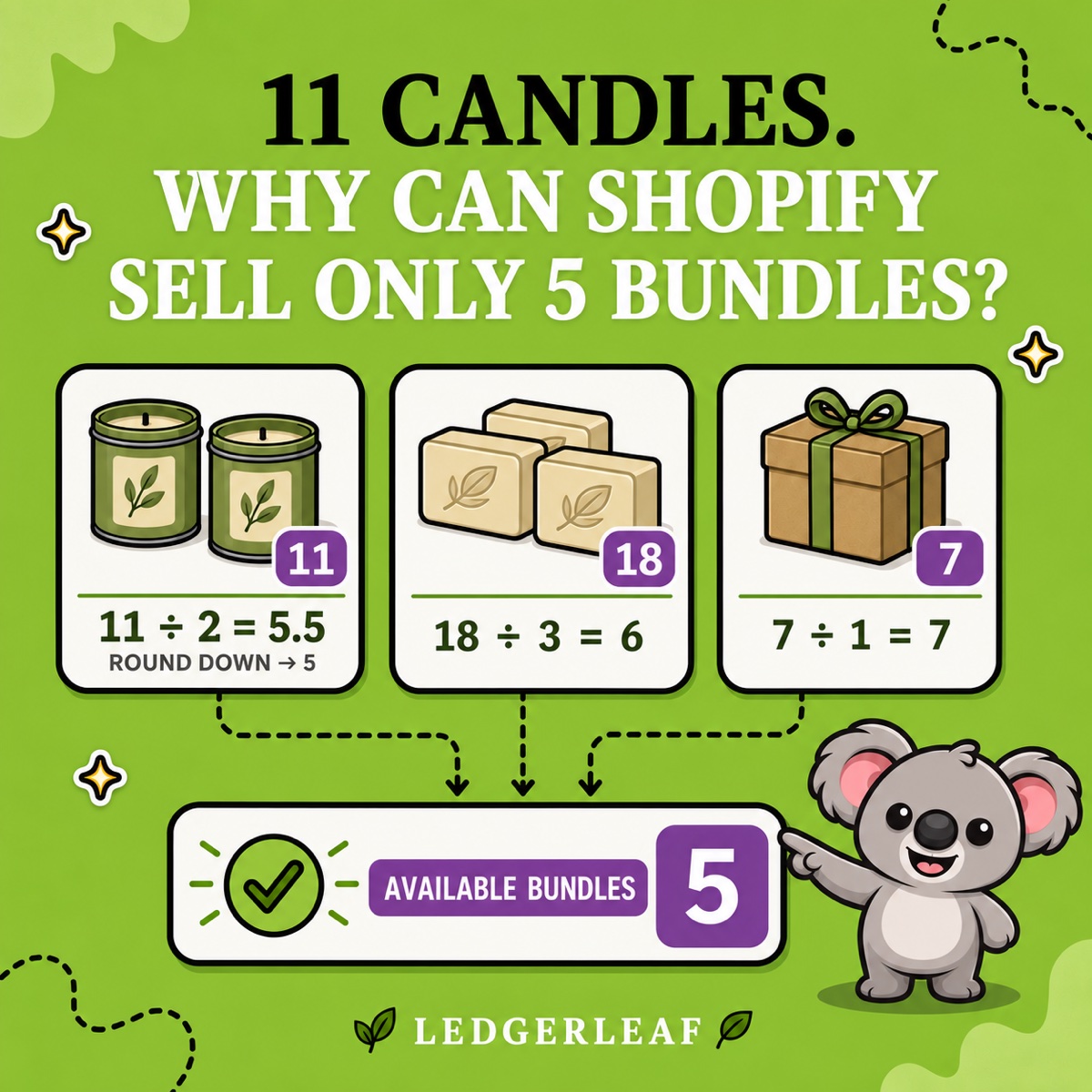
Why 11 candles can mean only 5 bundles
Shopify’s bundle inventory guidance uses the lowest component capacity after accounting for the units needed.
available bundles = lowest rounded-down (component available ÷ component units required)
Imagine a self-care bundle containing two candles, three soaps, and one gift box.
| Component | Available | Needed per bundle | Complete bundles |
|---|---|---|---|
| Candle | 11 | 2 | 5 |
| Soap | 18 | 3 | 6 |
| Gift box | 7 | 1 | 7 |
The available bundle quantity is 5. Candles are the limiting component because they can supply the fewest complete sets.
The extra candle does not create half a sellable bundle. Shopify rounds 11 ÷ 2 down from 5.5 to 5. If two more candles arrive, candle capacity becomes 6, matching the soap capacity. Seven empty boxes cannot overcome a shortage of the products inside them.
Why a correct calculation is not enough
A spreadsheet can explain today’s capacity. It cannot keep a separate Shopify parent quantity current after the next component sale. Repeating the arithmetic creates a recurring job and leaves room for a missed update precisely when orders get busy.
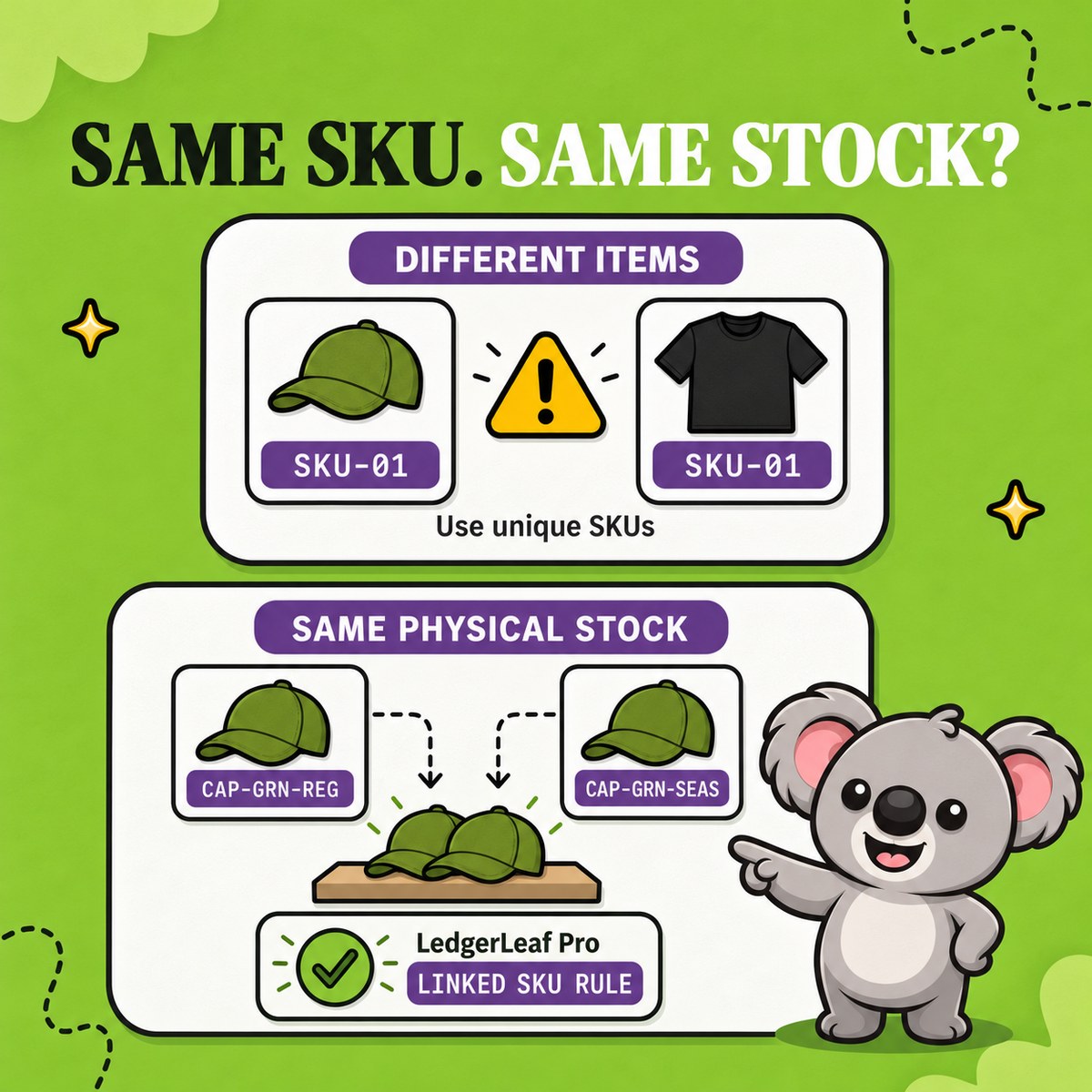
Vanilla Shopify does not turn an ordinary product called “Gift Set” into a component relationship. Its native bundle setup has to be defined, and Shopify Bundles does not cover mix-and-match offers. A product name or matching SKU text is no substitute for an inventory rule.
Shopify also ignores components with tracking disabled or Continue selling when out of stock enabled when calculating bundle availability. Those settings can hide a shortage. Check them before deciding that a higher number means more complete gifts are available.
For a catalogue that needs SKU-based rules, LedgerLeaf’s Stock workspace brings the parent, components, and calculation method into Shopify admin. Your team can inspect the relationship instead of reconstructing it from notes and spreadsheets.
Make a one-of-each bundle follow its components
Take a smaller gift set containing one candle, one soap, and one box. With the same starting stock of 11, 18, and 7, its capacity is 7. LedgerLeaf’s Bundle (min) calculation uses the lowest component stock value, which fits this one-of-each relationship.
- Open Inventory in LedgerLeaf. Use the SKU filter and Apply filters to find the parent
CARE-SET-01and componentsCANDLE-SAGE,SOAP-OAT, andBOX-KRAFT. - Create a Bundle SKU rule for that parent and its components. Select Bundle (min) under the stock calculation setting and give the rule a name your team will recognize.
- Review the matched products. The parent should reflect 7 complete sets, rather than the 18 soaps or the sum of all three quantities.
- During your initial check, reduce available boxes from 7 to 6. Confirm the parent follows to 6. Restore the box and check that availability returns to 7.
That check demonstrates the useful outcome. A change in the limiting component reaches the parent through the rule, rather than waiting for someone to edit both records. Test your actual order and restock paths before applying the pattern to more products.
Leafy’s Tip
Minimum stock and complete-bundle capacity are equal when each set uses one of every component. The earlier two-candle, three-soap example needs division first. Do not apply a raw minimum rule to that recipe and expect the same answer.
Less manual work for a smaller monthly cost
LedgerLeaf runs inside Shopify admin with no separate account to manage. You can review a small rule in the same workspace where you find the products, rather than maintaining a spreadsheet alongside your store.
At current listed prices, LedgerLeaf Pro costs US$5.90 per month. NASP Connected Inventory starts at US$9.99 per month and lists English only. That is a higher recurring cost and a language constraint for teams working in Italian, German, Spanish, or French. LedgerLeaf supports all five languages and includes sales exports, payout reports, and VAT/OSS reports alongside inventory rules.
For a merchant who needs SKU rules and clearer bookkeeping data, LedgerLeaf offers more day-to-day value for a lower monthly fee. Start with one small bundle during the seven-day Pro trial and verify its stock behaviour before expanding.