
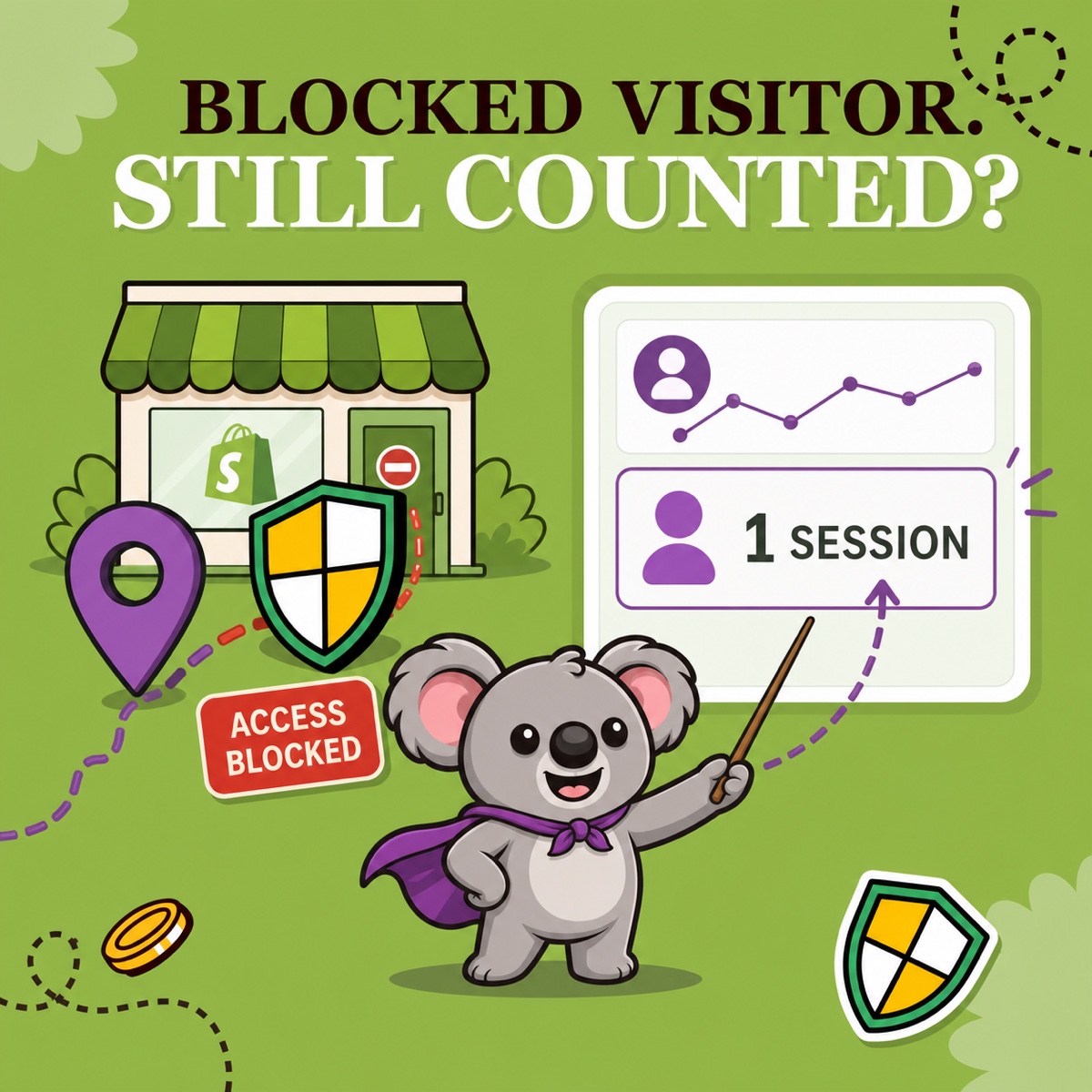
You turn on country blocking, confirm that the blocked page appears, then open Shopify Analytics and still see a session from that country. It is easy to spend the afternoon changing a working rule or paying for another blocker. A recorded session does not automatically mean the visitor could browse your store.
ShieldLeaf lets you check the outcome that matters. Did the visitor receive your blocked page or redirect? That gives you a practical way to verify protection instead of chasing a country total that may never reach zero.
Leafy’s Quick Answer
Storefront access and analytics recording are separate outcomes. Shopify can record a visit before ShieldLeaf shows the blocked page or redirects it. Check the live visitor experience, supported by ShieldLeaf Pro’s blocked-visit activity, to establish whether the rule worked.
A recorded session is not proof of storefront access
Shopify’s acquisition-report guidance explains that sessions and visitors are based on cookies. An acquisition report records traffic. It does not certify that every recorded visitor successfully browsed products or reached checkout.
ShieldLeaf uses Shopify’s app embed. The storefront request reaches Shopify, then ShieldLeaf applies the country rule and shows the blocked page or redirects the matched visitor. Shopify can count the visit while ShieldLeaf prevents the visitor from browsing the storefront. The rule controls access without rewriting analytics history.
That is where Shopify’s own reports fall short as a protection check. A country row cannot tell you whether the visitor saw your catalog or your blocked message. Removing the row from a report would only hide the evidence that traffic arrived.
Verify one visit from arrival to blocked page
Suppose your store delivers only within France and receives recurring unwanted traffic from Canada. You have chosen to restrict Canadian access and want to confirm the rule after changing your published theme.
In ShieldLeaf, open Protection and check Canada under Blocked countries and Selected countries. Under Blocked visitor experience, choose Show a blocked-access page. Set Blocked message to a useful explanation such as “We currently deliver within France.” The visitor gets a clear answer instead of a storefront they cannot order from.
Use the private preview to check that message. Confirm the ShieldLeaf app embed is enabled in the published theme and turn protection on. Normal setup needs no theme-code edits.
Next, open the live store in a private browser window using a connection detected in Canada. Check a product URL as well as the home page. Record the test time and what appears. Then repeat from an allowed French connection to confirm customers can still browse.
| Evidence in this example | What it establishes |
|---|---|
| ShieldLeaf private preview shows your message | The blocked experience is configured correctly |
| Live Canadian test receives the blocked page | The active country rule applied to that visit |
| Live French test opens the store normally | The allowed connection can still browse |
| Shopify Analytics records a Canadian session | Traffic arrived, even though the live test was blocked |
If you use Pro, find the test among recent blocked visits in ShieldLeaf’s activity review. Keep preview tests separate from live visits. This gives you a record to consult later without storing raw visitor IP addresses. Do not expect its totals to equal Shopify’s cookie-based session counts.
If the Canadian test can still browse, check the published theme’s app embed, protection status, selected country and the connection’s detected country. A preview confirms configuration. The live test confirms the published store is applying it. Compare new visits after activation, since earlier sessions remain in the report.
Keep reporting and protection working together
Shopify’s current bot-filtering guidance says identified bot sessions are filtered from session-related reports by default following the September 2026 rollout. Supported reports let you adjust the Human or bot session filter. Classification is conservative, so some automated traffic can remain.
That filter cannot replace the ShieldLeaf rule. A human visitor can come from a restricted country, and hiding a bot session in a report does not restrict storefront access. With ShieldLeaf, you can verify the access decision while keeping Shopify’s reports useful for performance analysis.
Choose verification without an oversized subscription
ShieldLeaf Free includes one active country, a blocked page or redirect, and preview. Pro costs US$5.90 per month and adds unlimited countries, groups, presets and blocked-visit activity logs, with a seven-day trial.
Bloky makes a focused country rule more expensive on monthly billing. Its Basic plan costs US$9.99 per month, while country redirects require Advanced at US$12.99. Its free offer is for development and partner stores. For this workflow, ShieldLeaf gives a live store an easier, lower-cost starting point and adds the ongoing activity record in Pro.