
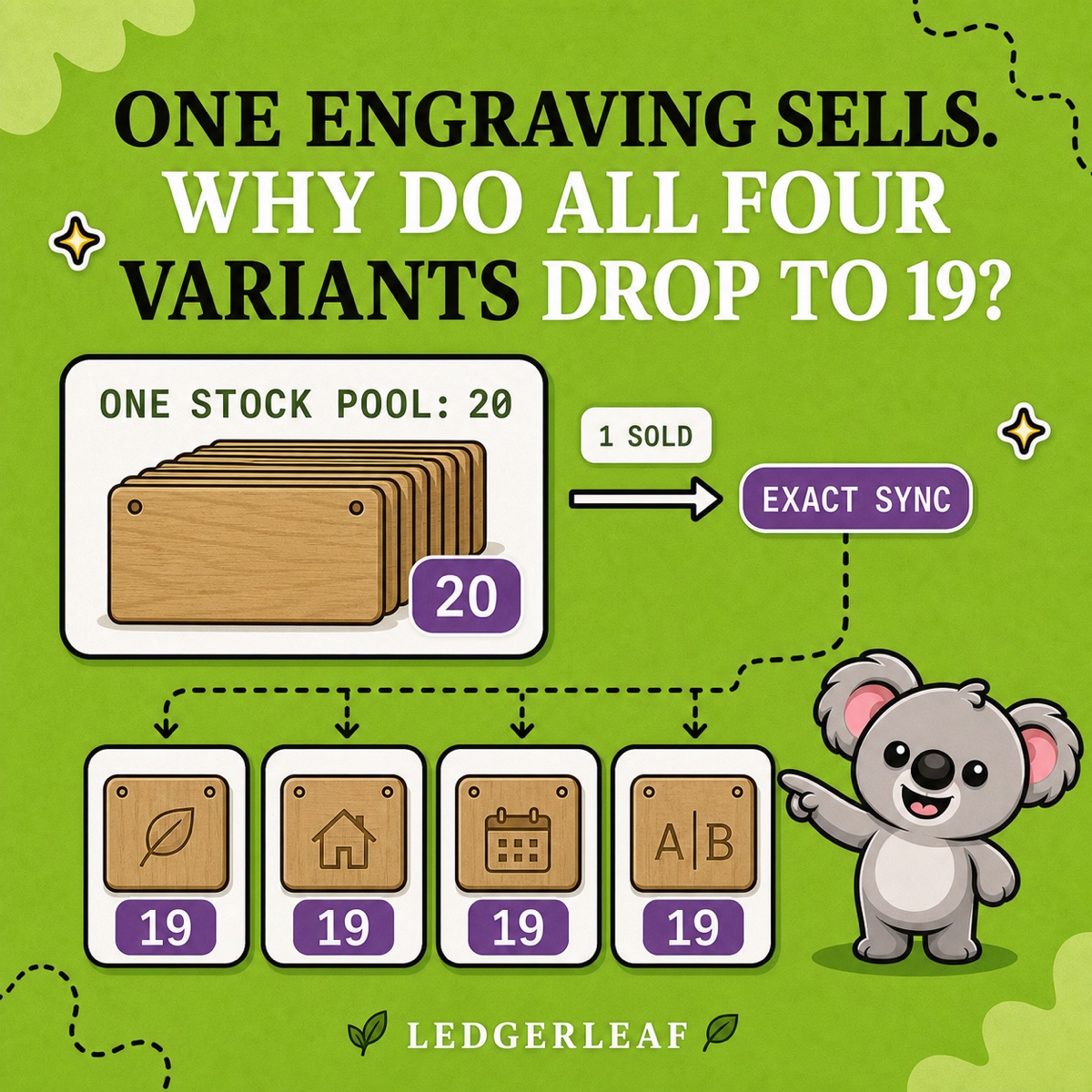
Four engraving variants each show 20 available, but your shelf holds only 20 blank plaques. Sell the last blank through one design and the other three can still look available in Shopify. The next order leaves you paying for an urgent delivery, delaying a gift or issuing a refund.
Shopify’s separate variant quantities do not manage that shared capacity for you. LedgerLeaf Pro links the variants so one sale updates the stock available across the group. You can offer four designs without manually correcting three other quantities after every order.
Leafy’s Quick Answer
Shopify shared stock means several buying choices draw from the same physical units. Give each choice a distinct, related SKU and connect the family with a LedgerLeaf Pro exact-sync rule. Each quantity represents what the whole group can still sell, so never add those quantities together.
Check what the customer’s choice consumes
Shared stock fits products finished after purchase. Twenty identical oak plaques can become leaf, house, date or initials engravings. Until engraving begins, any blank can fulfil any of those choices.
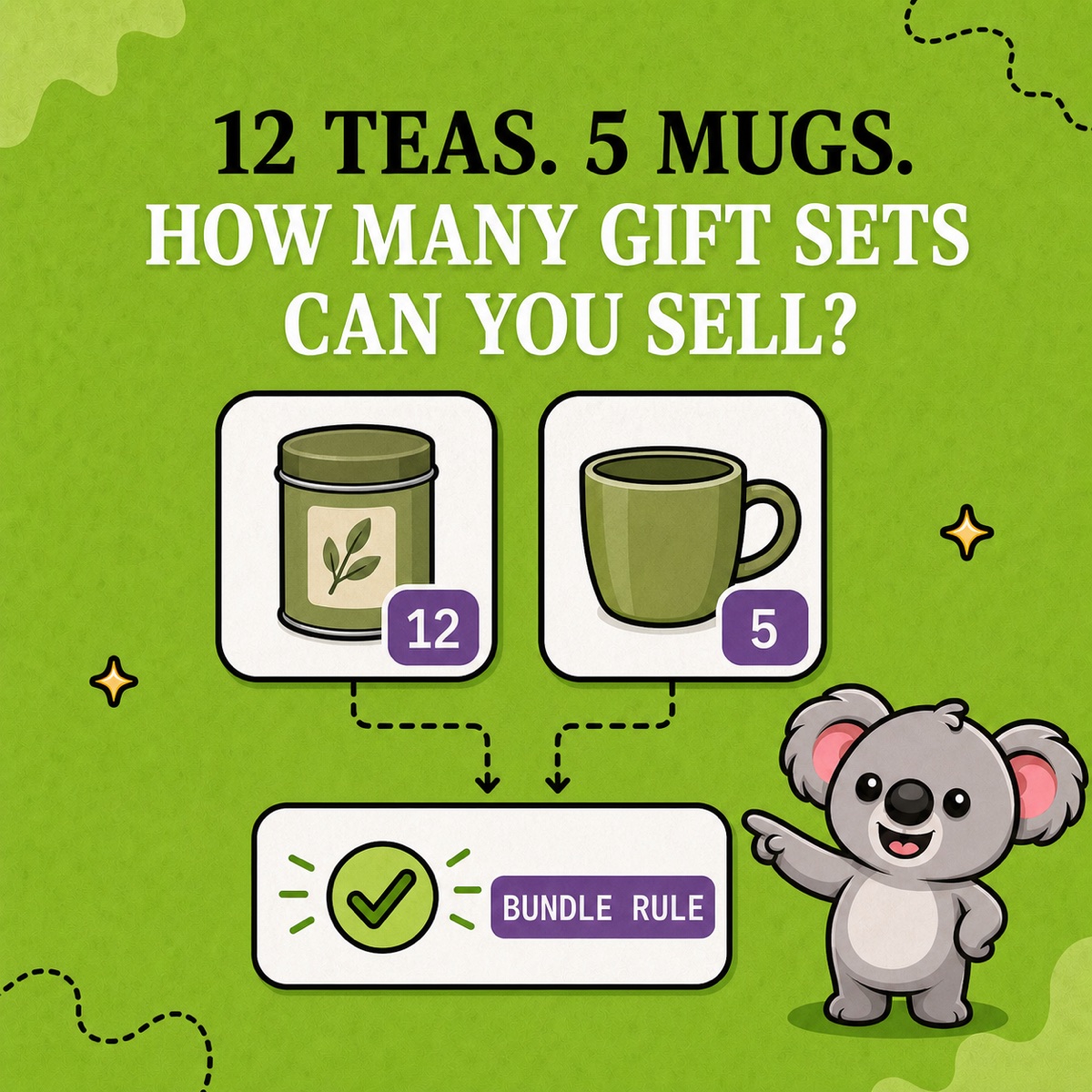
A small shirt and a large shirt need separate stock because one cannot fulfil an order for the other. Likewise, a plaque plus a separately stocked gift box needs a component rule. LedgerLeaf’s bundle rules handle that relationship, while this example uses one blank per sale and exact sync.
Keep the example at one stock location. Shopify tracks quantities separately by location. A blank in another warehouse is not automatically part of this pool.
Why matching SKUs and spreadsheets fall short
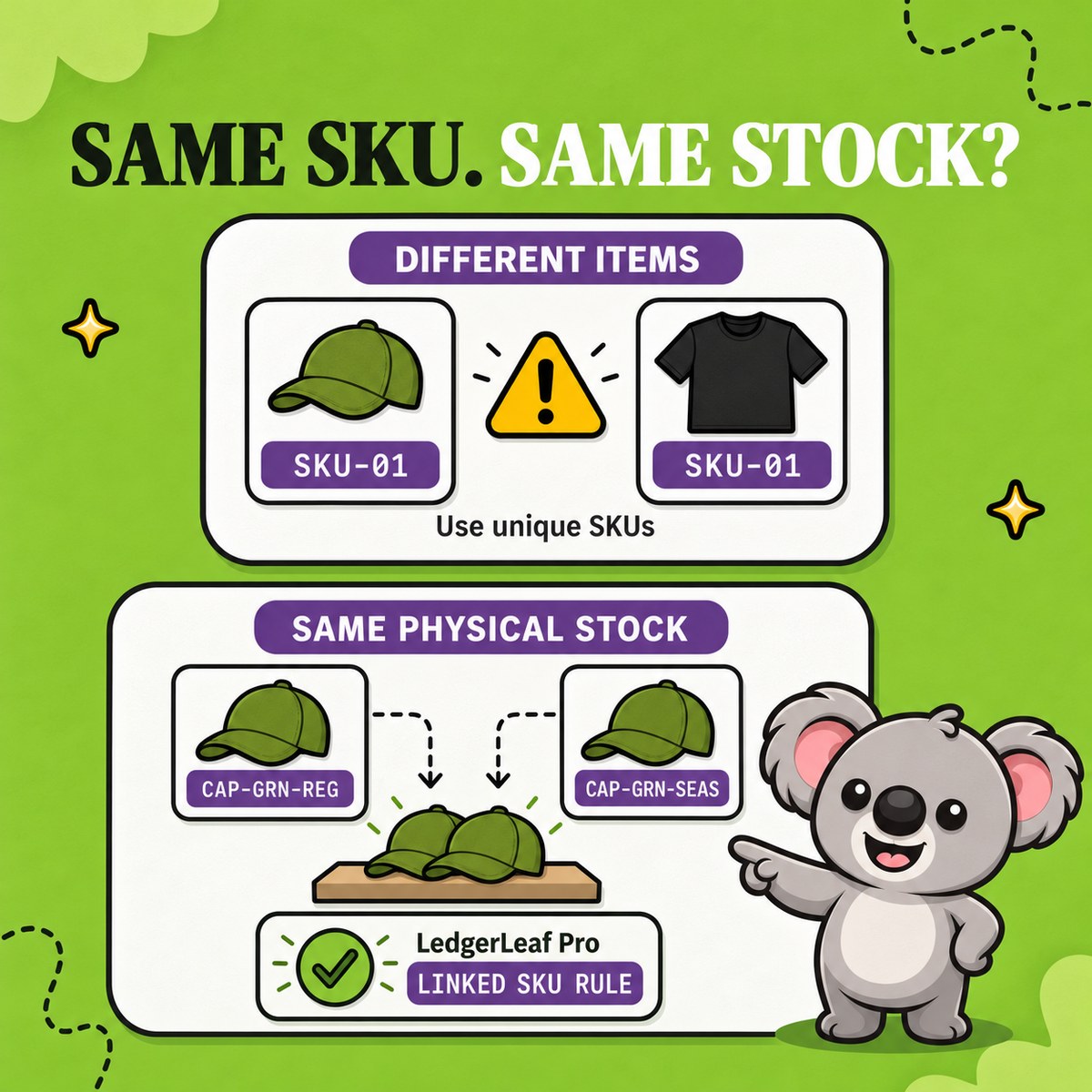
Putting PLAQUE-OAK on all four variants does not create a native shared-stock rule. Shopify’s SKU guidance warns that duplicate SKUs can disrupt inventory tracking and integrations. You also lose a useful distinction in SKU-based sales records.
Keep the existing family readable instead.
PLAQUE-OAK-LEAFPLAQUE-OAK-HOUSEPLAQUE-OAK-DATEPLAQUE-OAK-INITIALS
The shared base lets LedgerLeaf connect the family by pattern. The suffix still tells you which engraving sold.
A spreadsheet can record that all four choices draw from 20 blanks. It cannot carry that relationship into Shopify after each order. Bulk edits also go stale as soon as another sale arrives. LedgerLeaf applies the stock relationship where orders change quantities, removing that recurring copying job.
Connect the four choices in LedgerLeaf
Open Inventory in LedgerLeaf Pro inside Shopify admin. Filter by SKU, enter the plaque family and click Apply filters. Check the displayed products so an unrelated oak item does not slip into the group.
Before activating the rule, confirm that all four variants represent the same 20 blanks available for new orders. Exclude blanks already committed to existing orders or unsuitable for engraving. Four matching numbers are useful only when they match the usable stock.
Create a rule with Link SKU for the family pattern and choose Exact sync. This calculation follows the stock of the changed SKU. A highest-stock calculation would preserve an outdated 20 after a sale drops another choice to 19. Exact sync brings the linked choices to 19 instead.
You work in Shopify admin without a separate account or a custom integration. The setup makes the relationship explicit once, rather than leaving staff to remember it on every order.
Follow one blank through the group
With the rule active, use the following sequence to check the four variants at the same location.
| Event | Available on every linked variant | What it means |
|---|---|---|
| Start with 20 usable blanks | 20 | Twenty possible engravings in total |
| Sell one leaf engraving | 19 | One blank is committed |
| Sell two house engravings | 17 | Three blanks are now committed |
| Cancel one unengraved house item and restock it | 18 | One blank becomes available again |
| Receive six new usable blanks | 24 | Add the delivery once and check the group |
After each event, check every linked quantity. Use Shopify’s stock adjustment history to see who or which app changed it. If a physical count finds one damaged blank, correct the usable quantity and confirm that all four choices follow.
Leafy’s Watch-Out
A returned engraved plaque is no longer a blank. A refund alone is not a reason to add it to the shared pool. Restock only units that can genuinely fulfil any of the linked choices.
Keep the stock rule affordable
NASP Connected Inventory starts at US$9.99 a month and lists English only. That costs more for stock syncing and gives multilingual teams less language choice. LedgerLeaf Pro costs US$5.90 a month and supports English, Italian, Spanish, German and French. Its exports and reporting tools are included too, so you pay less while covering more of your store’s daily work.
Start with this one variant family during the trial. Seeing all four choices move from 20 to 19 after one sale gives you a concrete stock check before expanding the setup.
Try LedgerLeaf Pro free for seven days and link your first shared-stock variants.