
You filter a Shopify report to human sessions, the session count falls, and the conversion rate rises. Then the same unwanted traffic appears again tomorrow. Rechecking the spike wastes time, and treating a reporting change as better sales can lead you to increase the wrong advertising budget.
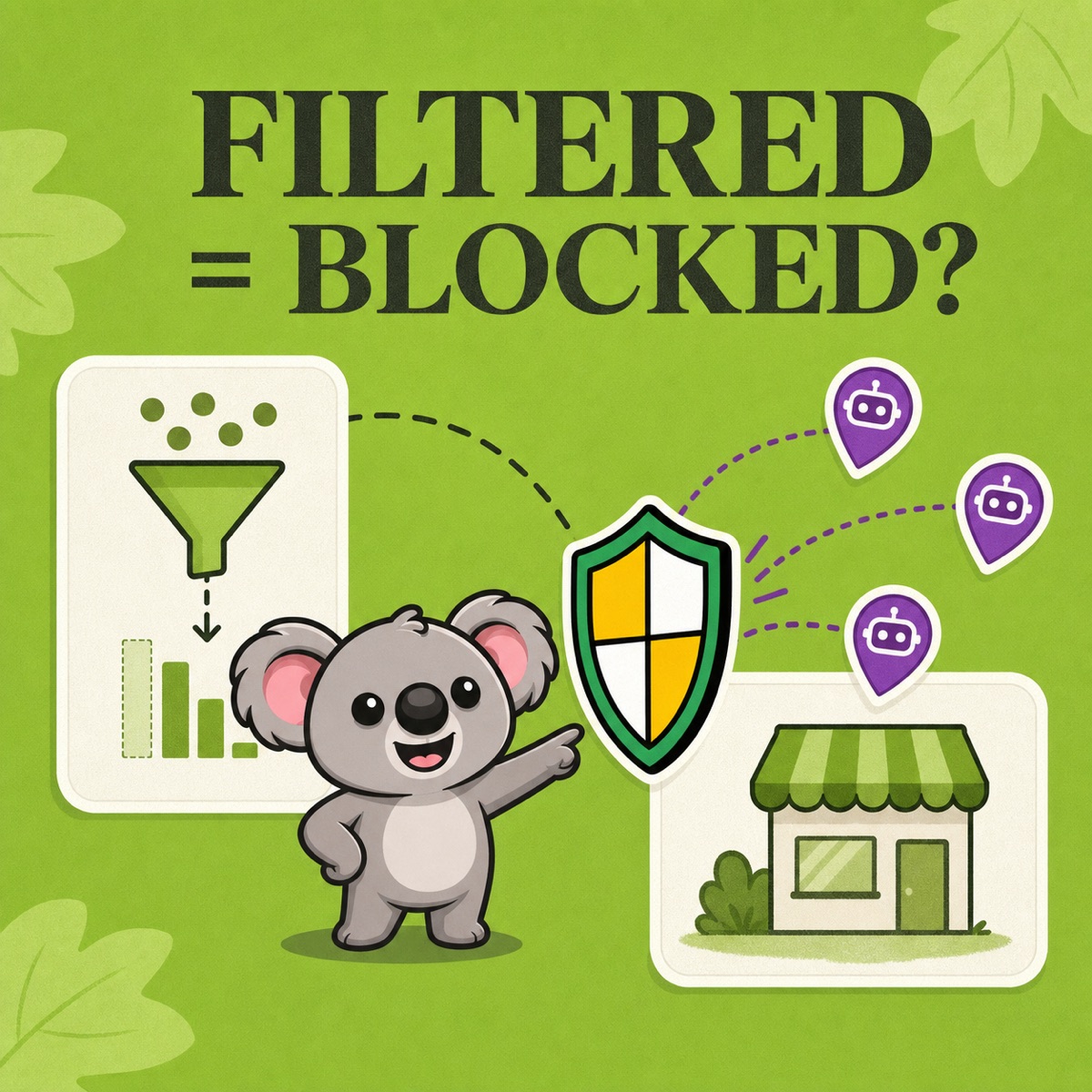
Shopify’s bot filter changes what the report shows. It leaves storefront access unchanged. When recurring unwanted visits come from a country you do not serve, ShieldLeaf turns that finding into a country rule with a blocked page or redirect. You can address the access problem instead of hiding it in another report.
What Shopify bot filtering changes
Shopify’s September 2026 measurement update began excluding identified bot sessions by default in session-related reports. It also changed how sessions are measured. Lower sessions or a different conversion rate across that update do not prove that customer behavior changed. Compare orders and sales too, and use the updated period as your new baseline.
Shopify’s bot-filtering guide illustrates why separating traffic matters.
| Traffic included | Sessions | Sessions completing checkout | Conversion rate |
|---|---|---|---|
| Human and bot | 1,000 | 35 | 3.5% |
| Human | 750 | 30 | 4% |
| Bot | 250 | 5 | 2% |
The store did not suddenly improve when the human rate appeared. The report exposed groups with different behavior. Bot-classified checkout events also need investigation before you treat them as genuine customer demand.
The native filter’s weakness is that it stops at reporting. Neither a human-only view nor a spreadsheet with bot rows removed prevents the next unwanted visit.
Find the country pattern worth acting on
Keep two views for the same recent period. Use human sessions for campaign decisions and both groups for diagnosis. In a supported report under Analytics, then Reports, open Controls and adjust Human or bot session. Add country, referrer and landing page to investigate the repeated pattern. Classification covers sessions from October 7, 2025 onward. Headless report controls depend on the analytics setup.
For example, an Italian store serving Italy and France finds that most of its bot-classified sessions repeatedly come from Brazil. It has no Brazilian customers, distributor or planned campaign. A ShieldLeaf rule for Brazil addresses that unwanted access while leaving its two sales markets open.
Country alone does not prove a visit is automated. The rule applies to visitors detected in the selected country, including humans. Check customers and business contacts before choosing it, rather than blocking every country appearing in the bot report.
Apply that finding in ShieldLeaf
For the Italian store, the useful outcome is a clear blocked page because there is no Brazilian seller to recommend.
- Open ShieldLeaf’s Protection workspace. In Blocked countries, search for Brazil and add it. Check that Selected countries contains Brazil only.
- In Blocked visitor experience, choose Show a blocked-access page. Enter a Blocked message, such as “This store serves Italy and France. Access from your region is not available.”
- Save and use ShieldLeaf’s private preview to check the message before launch. Complete the Shopify app embed setup and turn protection on. No theme-code edits are needed.
- Check the live experience from a connection located in Brazil, then confirm that Italian and French connections can still browse and reach the cart.
If a Brazilian distributor opens later, keep the country selected and choose redirect instead. Enter its relevant ordering page in Redirect URL and preview it before saving the change live. This gives visitors somewhere useful to buy without reopening the original storefront to that region.
The advantage over Shopify’s report filter is concrete. ShieldLeaf handles the visitor at the storefront and keeps the country choice and visitor response together inside Shopify admin. You do not need a developer to maintain a separate theme script.
Check access rather than chasing a perfect chart
Record the date the rule went live and compare equivalent periods with the same report filters. With Pro, review ShieldLeaf’s blocked-visit activity alongside Shopify’s country breakdown. Verify the blocked page or redirect itself as well as the numbers.
Blocked visitors can still appear in analytics. A recorded session does not by itself mean the visitor continued browsing. Country rules also follow detected IP location, so a VPN can change the country seen. Judge this workflow by the selected country’s access outcome, not a promise to identify every bot.
Keep the cost proportionate to the problem
ShieldLeaf Free covers this one-country example, including a blocked page or redirect and preview. You can resolve it without a monthly subscription.
Blocky’s listing limits its free plan to development and partner stores. Its Basic plan costs US$9.99 a month for non-Plus stores, while country redirects sit in Advanced at US$12.99 a month. That paid-tier requirement makes a single-country redirect unnecessarily expensive compared with ShieldLeaf Free.
For more countries and activity logs, ShieldLeaf Pro costs US$5.90 a month and includes groups, presets and a seven-day trial. It is the lower monthly-cost choice for this country-access workflow, without buying a broader fraud package to get it.