
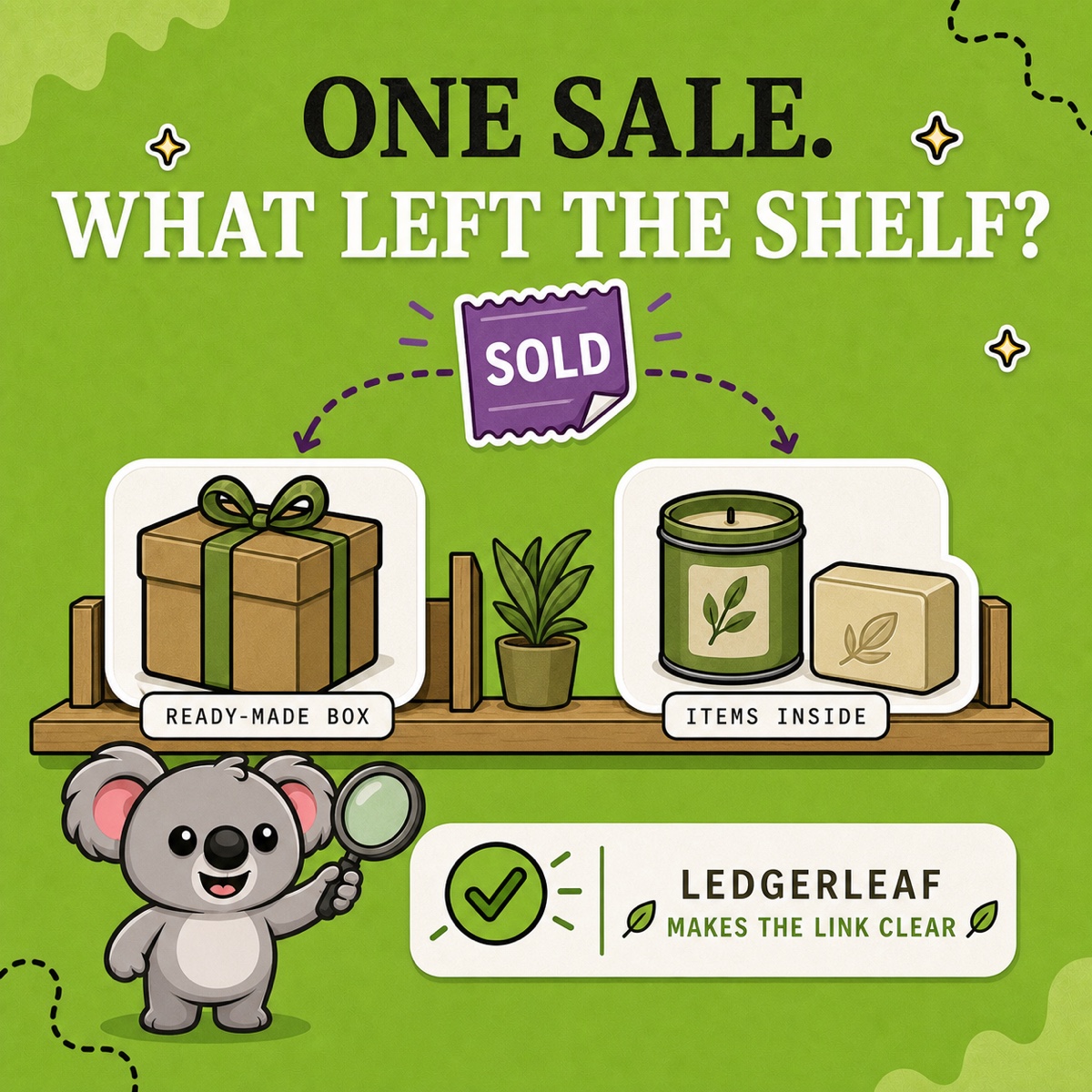
A Starter Kit sells, but the wrong stock goes down. Your team still sees gift boxes available even though the soap shelf is empty, or loose candles disappear from inventory when a sealed box leaves the warehouse. The result is an urgent stock check, a delayed gift, or a refund.
The kit-versus-bundle distinction starts with what you physically stock. LedgerLeaf Pro lets you turn that distinction into a SKU rule, so related listings follow the right quantity instead of waiting for another manual correction.
Leafy’s Quick Answer
Count finished boxes when you assemble before selling. Count components when you pick after selling. In LedgerLeaf, link alternate listings of the same finished box with Exact sync. Use a Bundle SKU rule for a parent whose availability depends on separately stocked components.
A product name cannot connect stock
Vanilla Shopify does not infer a stock relationship from “Kit” in a title or similar SKU codes. Two ordinary product listings can promise the same last box to two customers unless their stock is connected. A spreadsheet records the relationship but leaves someone responsible for updating Shopify after every change.
Shopify’s native bundle model calculates availability from components. That does not solve the different problem of multiple ordinary listings sharing finished boxes. LedgerLeaf’s Stock workspace puts both SKU relationships in one place, where your team can review the products involved.
Keep ready-made boxes separate from loose components
Suppose you assemble 12 candle-and-soap boxes before launch, seal them, and place them in a dedicated bin. Those boxes are finished stock. The candles and soaps used in assembly have already left the loose stock pools, so a box sale must not deduct those loose items again.
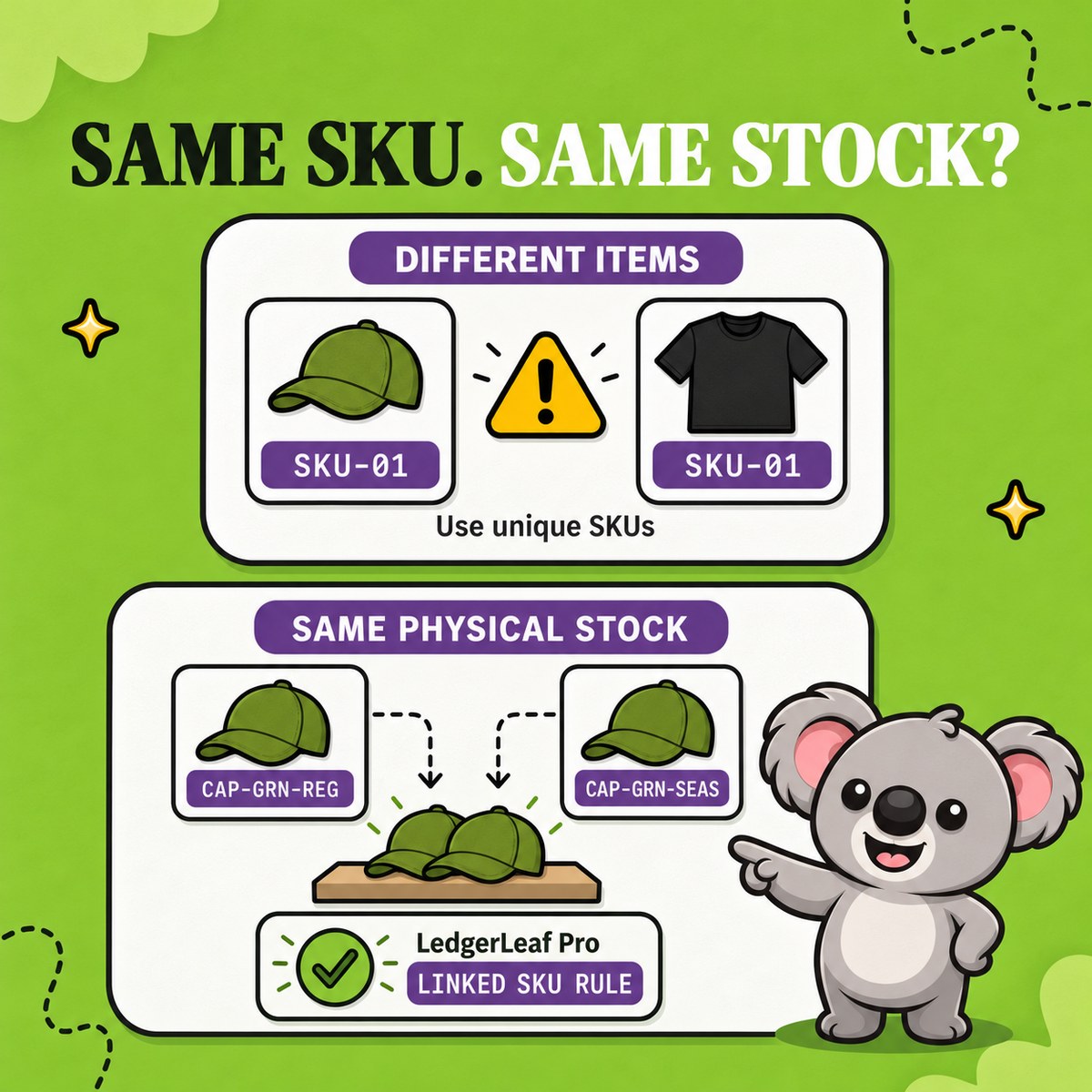
Now offer the same boxes through a regular listing and a seasonal gift listing. Use distinct SKUs such as KIT-01-REG and KIT-01-GIFT.
- Open Inventory in LedgerLeaf. Use the SKU filter and Apply filters to find the related listings.
- Confirm that both represent the same 12 boxes. A listing showing 8 is a discrepancy to resolve, not a second stock pool to add.
- Create a Link SKU rule matching those listings, choose Exact sync, and give it a recognizable name such as “Finished candle and soap boxes”. Review the matched products.
- Change one linked quantity from 12 to 11 and confirm the other follows to 11. Check an actual sale through each listing before expanding the rule.
You still have 12 boxes initially, not 24. The benefit is that a change reaches the alternate listing through the rule. Your team no longer has to remember which other product also promises that box.
Make a picked-to-order bundle follow its components
For a separate offer picked after ordering, start with 12 loose candles and 7 loose soaps. Each set needs one of each. There is no finished-box stock to link.
In LedgerLeaf Inventory, find parent CARE-SET-01 and components CANDLE-SAGE and SOAP-OAT. Create a Bundle SKU rule for that relationship and select Bundle (min). Its lowest-stock calculation fits this one-of-each recipe.
Review the matched products, then check the rule against these quantities.
| Check | Loose candles | Loose soaps | Parent availability |
|---|---|---|---|
| Starting stock | 12 | 7 | 7 |
| One loose soap sold separately | 12 | 6 | 6 |
| Three soaps received | 12 | 9 | 9 |
The candle quantity never changed, but the number of complete sets did. The rule keeps the parent tied to the limiting component. Repeat the check through your actual order and restock process so the stock records agree with what leaves the shelf.
Bundle (min) uses raw stock quantities. It is appropriate here because each set takes one of each item. A recipe needing two candles requires a different capacity calculation. Keep that distinction clear when reviewing rules.
Read sales without counting the same stock twice
A finished box sale belongs to the finished product’s sales record. With two linked listings, review both SKUs together to understand demand, but count their shared physical stock only once.
Native Shopify bundle sales reports can separate bundle and component sales when you sell through Shopify Bundles. A LedgerLeaf inventory rule does not turn an ordinary product into that native reporting structure.
For your SKU-based workflow, use LedgerLeaf’s sales exports alongside its inventory snapshots. Compare sales under the relevant SKUs with the stock you counted. A finished-box sale and a loose-soap sale then remain distinguishable rather than disappearing under the same “Kit” label.
A simpler workflow at a lower monthly cost
LedgerLeaf works inside Shopify admin without a separate account. Both rule types share the same workspace, making a small catalogue straightforward to set up and review.
LedgerLeaf Pro costs US$5.90 per month. NASP Connected Inventory starts at US$9.99 per month and lists English only. That is a higher recurring cost and less language choice. LedgerLeaf supports English, Italian, German, Spanish, and French, with sales exports and inventory snapshots included alongside SKU rules. For a merchant who needs connected stock and records for bookkeeping, that is better value in one app.
Try one kit or bundle rule during LedgerLeaf Pro’s seven-day free trial.