
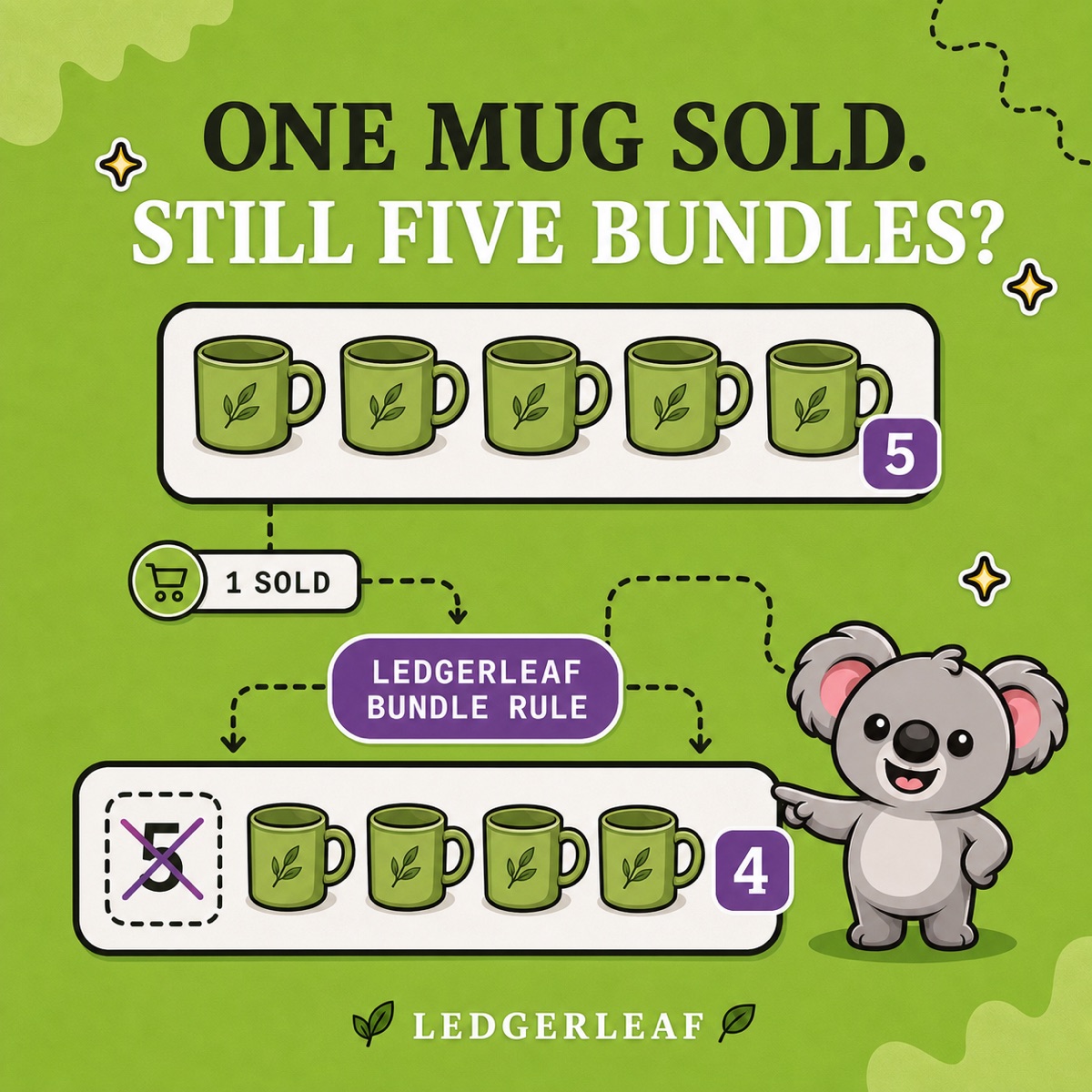
You have five mugs and a gift bundle that uses one mug. A customer buys a mug on its own, but the bundle page still says five available. If that number stays unchanged, the fifth bundle order promises stock you no longer have. Now someone must arrange a replacement, delay the gift or explain a refund.
Lowering the bundle quantity once leaves the same problem waiting for the next sale. LedgerLeaf Pro connects an independent bundle SKU to its component SKUs so its availability follows the stock it depends on. Your team can inspect that relationship inside Shopify instead of remembering to update every related listing.
Why the bundle still shows five
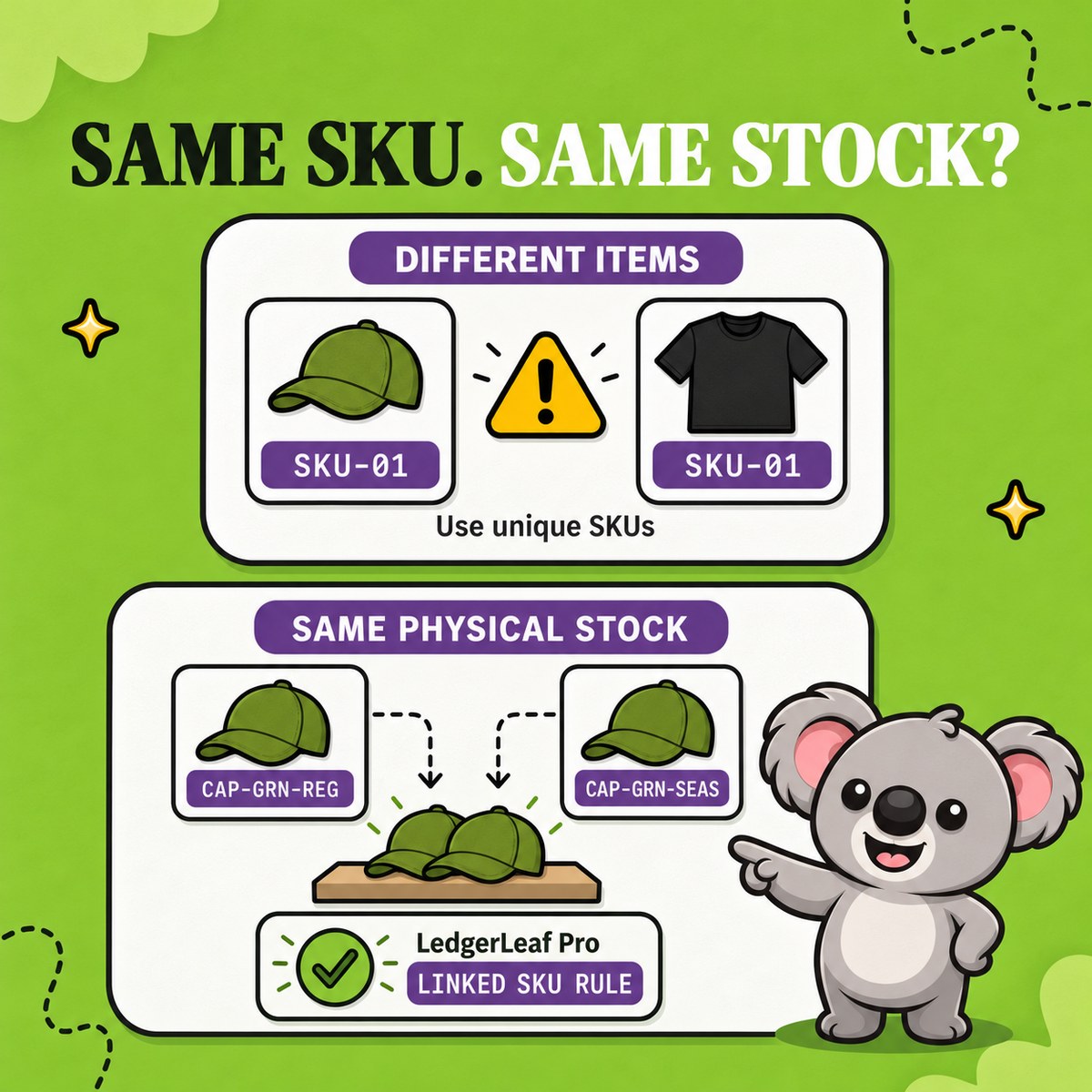
Shopify does not turn separate product listings into shared inventory just because their descriptions or SKU names look related. A manually created gift set can keep its own quantity while the mugs sell down elsewhere. A spreadsheet records the relationship, but cannot update the storefront when a customer buys a mug.
Native Shopify bundles already calculate availability from their components. The weakness is treating an independent gift-set listing as though it has that same connection. Shopify’s bundle stock guidance also says components are ignored in the calculation when inventory tracking is off or Continue selling when out of stock is on.
For a separate parent SKU, a LedgerLeaf bundle rule makes the connection explicit. Tracking and stop-at-zero settings support that rule, but switching them on alone does not link the products.
Make the five-to-four change happen in LedgerLeaf
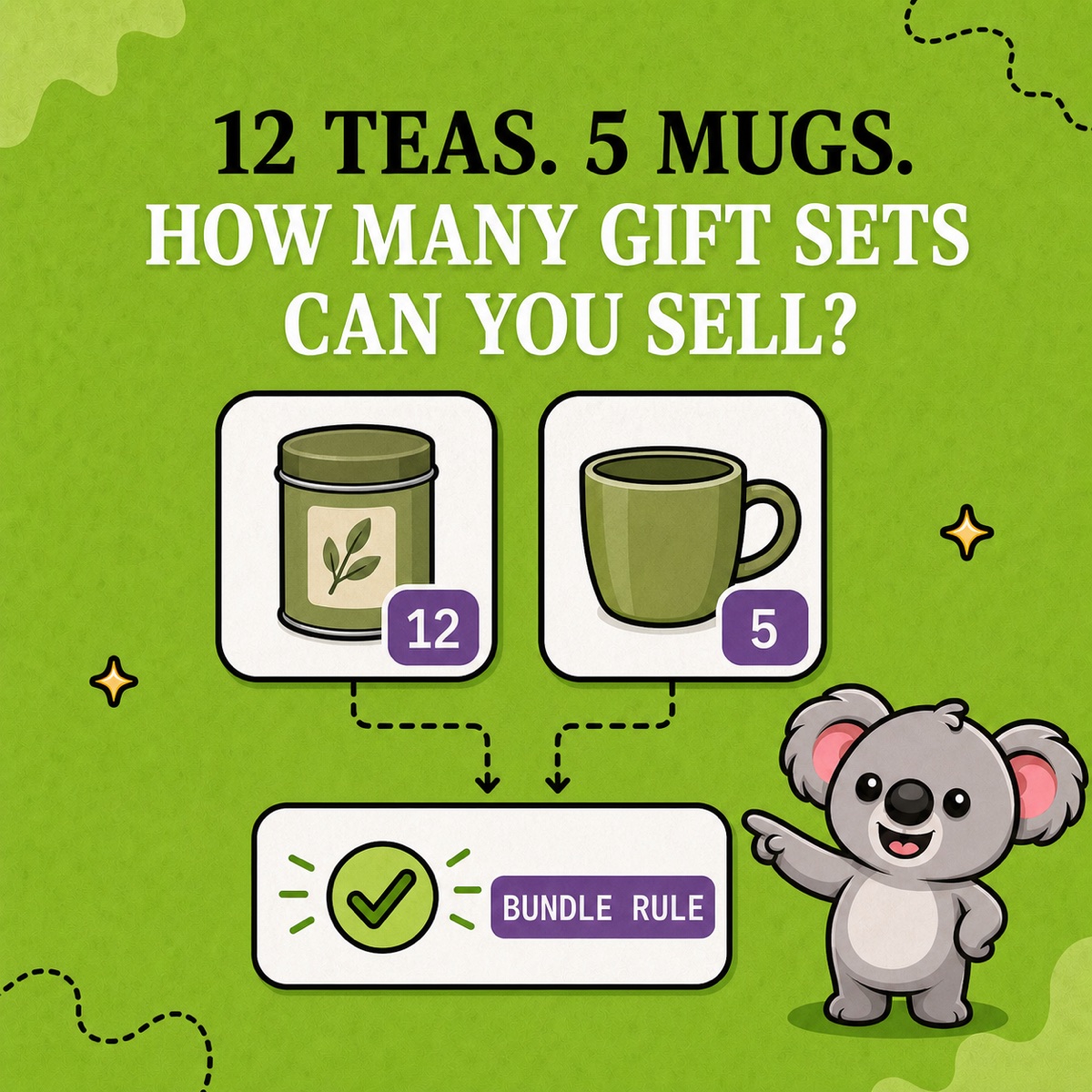
Use a simple gift set containing one mug and one tea tin. There are five mugs and twelve tins. Give each item a distinct SKU, such as TEA-GIFT-01, MUG-GRN-01 and TEA-TIN-01.
Open the Inventory workspace in LedgerLeaf. Filter by SKU, enter a component SKU and click Apply filters to review the matched product. Check the other component and the parent too. This catches a similarly named variant before it enters the rule.
In Create rule, choose Bundle SKU as the rule type and Bundle (min) for the stock calculation. Connect the gift-set parent to the two component SKUs and give the rule a recognizable name, such as Tea gift availability.
For this one-of-each set, the lowest component quantity is the number of complete gifts available. Any available (max) would use twelve and overstate availability. Exact sync is for matching linked stock, rather than calculating this bundle’s limiting quantity.
Use the following expected results to check the rule on a product you can safely test.
| Stock event | Mugs | Tea tins | Expected gift sets |
|---|---|---|---|
| Starting stock | 5 | 12 | 5 |
| One mug sells separately | 4 | 12 | 4 |
| Remaining mugs sell out | 0 | 12 | 0 |
| Three mugs return to stock | 3 | 12 | 3 |
The important result is the second row. The parent falls to four without a second manual edit. The zero row checks that twelve unused tea tins cannot keep an impossible gift set on sale. Restocking three mugs then restores three complete gifts, without waiting for someone to reopen the bundle listing.
Leafy’s Tip
This example uses one of each component. A set containing two tea tins has a different capacity. Check the bundle stock calculation and the quantities your rule supports before applying it to another recipe.
Check the sale your customer will actually make
With the LedgerLeaf rule in place, verify that every physical component is tracked and Continue selling when out of stock is off for items that must stop at zero. Check the parent’s setting too.
Run a bundle order through your normal fulfilment process and confirm that the required components decrease correctly. Then cancel or return it through your usual restock process and inspect the resulting quantities. A parent availability rule and the component deductions both need to match what your team picks. Use Shopify’s stock adjustment history to identify which app or person changed a quantity.
If you use several locations, confirm that the stock behind the rule can be assembled and shipped through your normal routing. Repeat the check when you change the bundle recipe. You now have a named rule and observable results to review, rather than another reminder to update a spreadsheet.
Keep the solution affordable and easy to run
LedgerLeaf works inside Shopify admin without a separate account. The SKU filter and named rule keep this task close to the products you already manage.
LedgerLeaf Pro costs US$5.90 a month, including inventory automation and its reporting tools. NASP Connected Inventory starts at US$9.99 a month and lists English only. That is a higher recurring cost and a language limitation for teams working in Italian, German, Spanish or French. LedgerLeaf supports all five languages, including English, while costing US$4.09 less each month.
Start LedgerLeaf Pro’s seven-day trial and check your first bundle’s five-to-four stock change.